# 📱 Android Ads SDK
The **Ads SDK** is a reusable Android library that allows applications to display image and video ads in a **full-screen, SDK-controlled experience**.
The SDK fully encapsulates ad fetching, selection, UI rendering, countdown logic, and lifecycle handling.
Host applications interact with the SDK through a minimal and safe public API.
## ✨ Key Features
### 🎬 Video Ads
- Auto-play on launch
- No pause or seek controls
- Automatically closes when playback ends
### 🖼️ Image Ads
- Displayed full-screen
- Automatically closes after a fixed timeout
### ⏳ Ad Control \& UX
- Countdown-based close button
- SDK-managed UI (no layouts needed in the host app)
- No lifecycle handling required by the host application
## ⚙️ Requirements
- Android API level **24+**
- Host activity must extend ComponentActivity or AppCompatActivity
- Internet permission enabled in the host application
- Backend API compatible with the SDK schema
## 📦 Installation
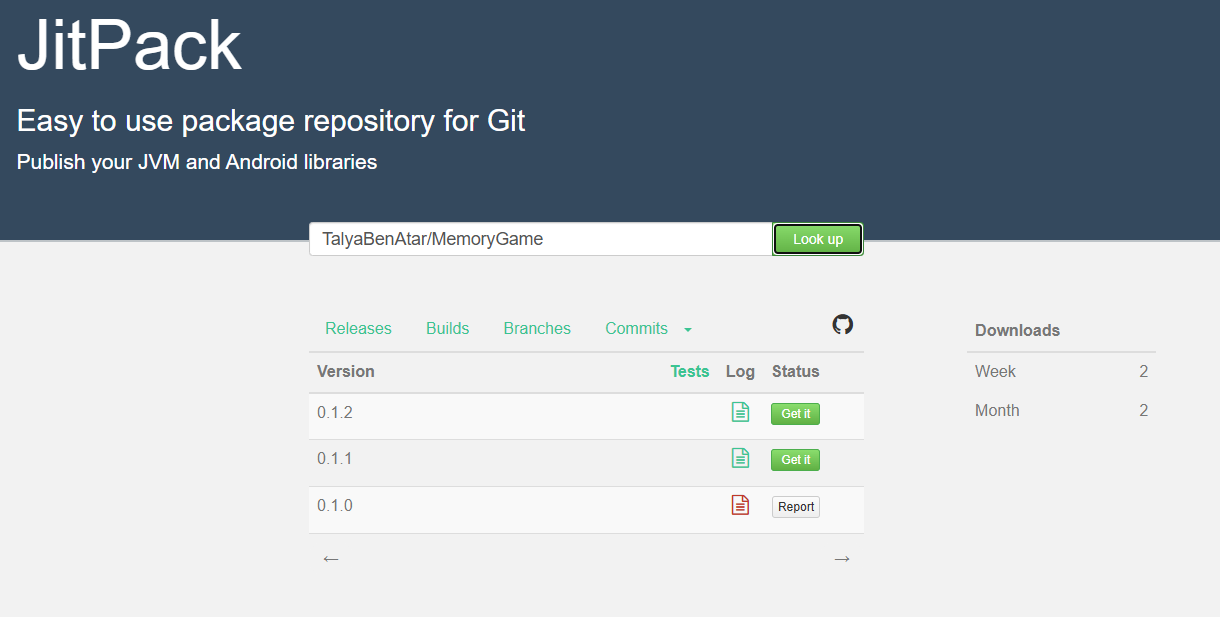
The SDK is distributed via **JitPack**.
### 1️⃣ Add JitPack to your project
In settings.gradle.kts:
dependencyResolutionManagement {

    repositories {

        google()

        mavenCentral()

        maven { url = uri("https://jitpack.io") }

    }

}
### 2️⃣ Add the SDK dependency
dependencies {

    implementation("com.github.TalyaBenAtar:MemoryGame:0.1.2")

}
## 🚀 Usage
🔑 Initialization
Initialize the SDK once at application startup
(recommended inside Application.onCreate()):
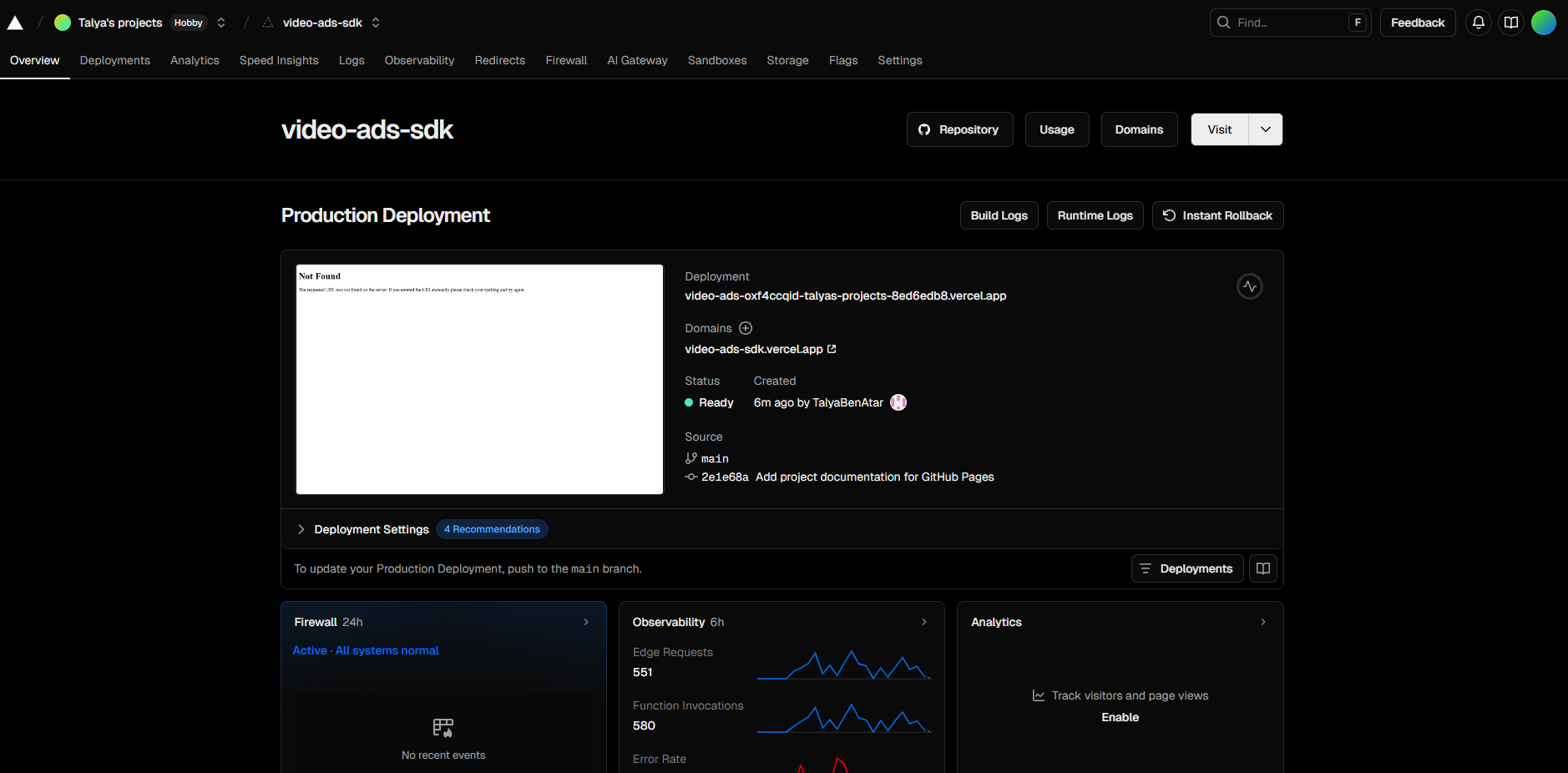
AdsSdk.init("https://video-ads-sdk.vercel.app")
▶️ Showing an Ad
Show an ad filtered by category:
AdsSdk.showAd(this, category = "kids")
Optionally, prefer a specific ad type:
AdsSdk.showAd(

    activity = this,

    category = "kids",

    preferredType = "image" // or "video"

)
When showAd is called, the SDK will:
Fetch ads from the backend
Select a valid, enabled ad matching the filters
Launch its own full-screen ad Activity
Handle playback, countdown, and closing behavior
## 🧠 How It Works
When showAd is called, the SDK will:
-
Fetch eligible ads from the backend API
-
Apply client configuration rules
-
Select a valid enabled ad
-
Launch a full-screen SDK-owned activity
-
Handle playback, countdown, and closing behavior
The host application never interacts with ad UI or backend logic directly.
## 🧪 Demo Application
A demo application (Memory Game) is included in the SDK repository.
It demonstrates:
-
SDK initialization
-
Triggering ads from real app flows
-
Displaying both image and video ads
This app can be used during development to validate SDK behavior.
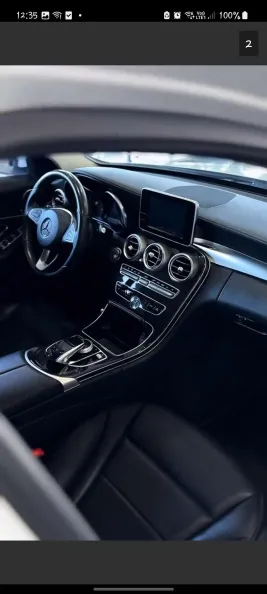
📸 SDK Screenshots
🎬 Video Ad Display

🖼️ Image Ad Display
🔧 Deployment / Distribution (Optional)